Design guideline for Samsung Wallet & Pay

Samsung Wallet is a mobile wallet service that allows people to access their virtual wallet from anywhere with a simple swipe up, providing them with a convenient and innovative lifestyle.

Introduction

Samsung Wallet is a mobile wallet service that integrates payments, passes, digital IDs, digital keys, and blockchain. People can use this wallet anywhere with just a swipe, providing a free and innovative lifestyle. When people see our brand at every touchpoint, it reinforces our identity and what we do. It must appear consistently and reliably to the audience.

Assets for
Samsung Wallet

We encourage you to learn and follow the rules and guidelines suggested in this toolkit to ensure message consistency and drive brand awareness.

Logo

Buttons

Partnership

Logo

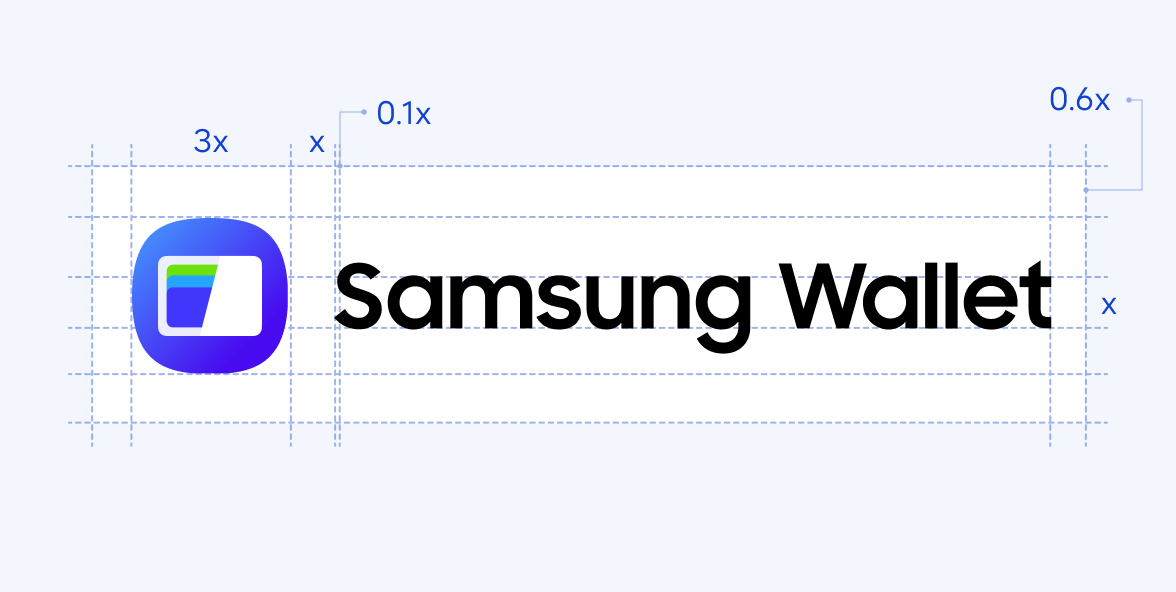
Use the service logo lock-up for advertisements, marketing materials and webpages that are promoting Samsung Pay. You must not lock up an icon with the lettermark.

Type

  • Basic - Horizontal

  • Basic - Vertical

  • Alternate - Horizontal

  • Alternate - Vertical

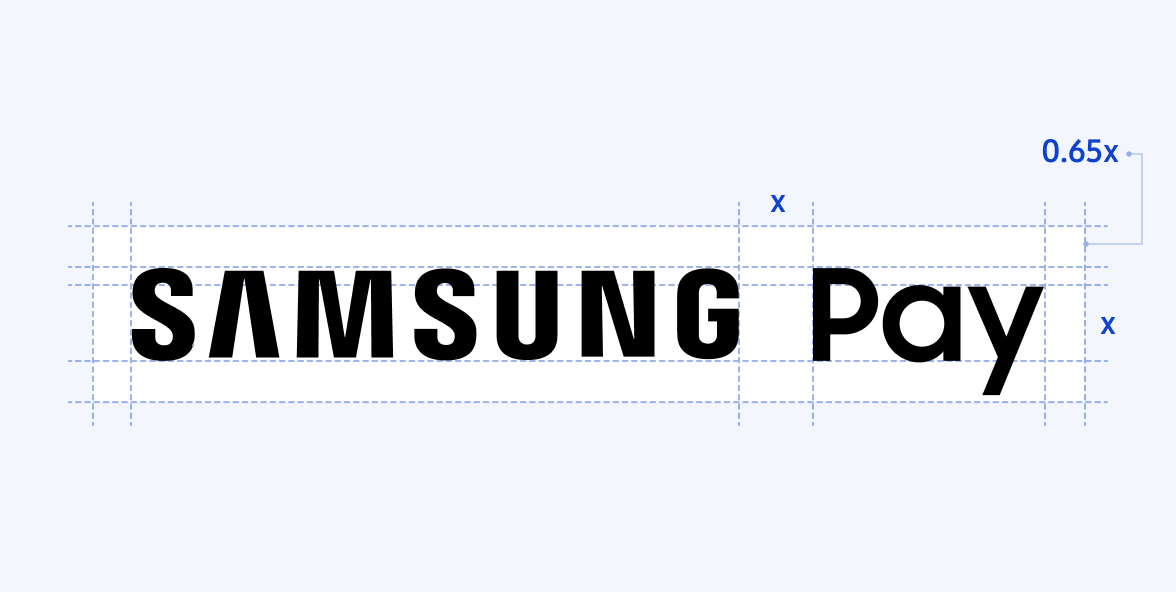
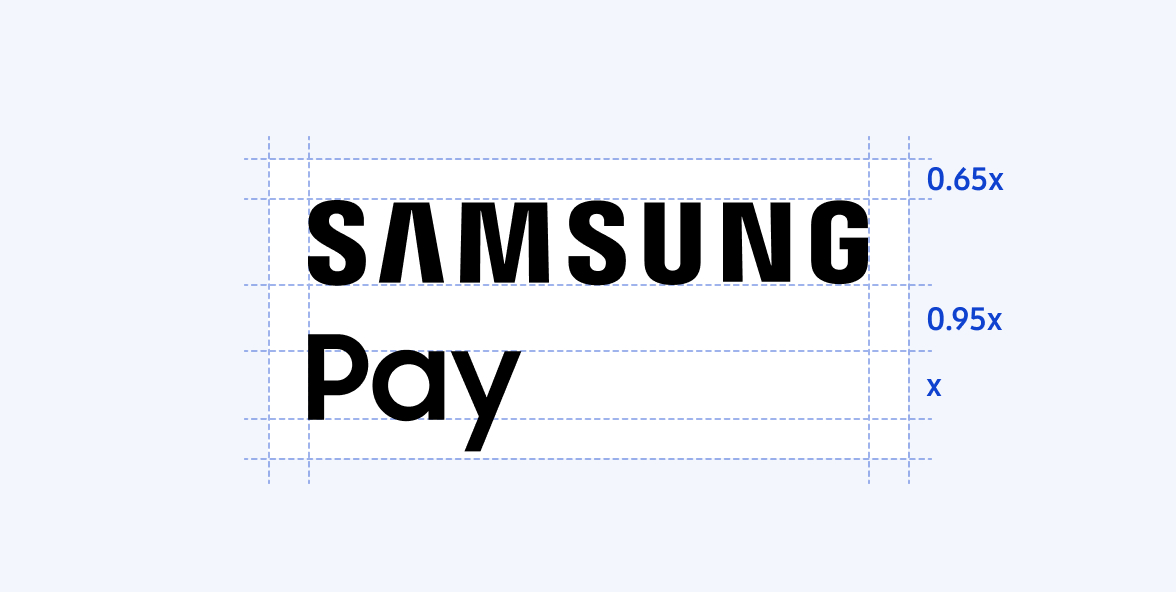
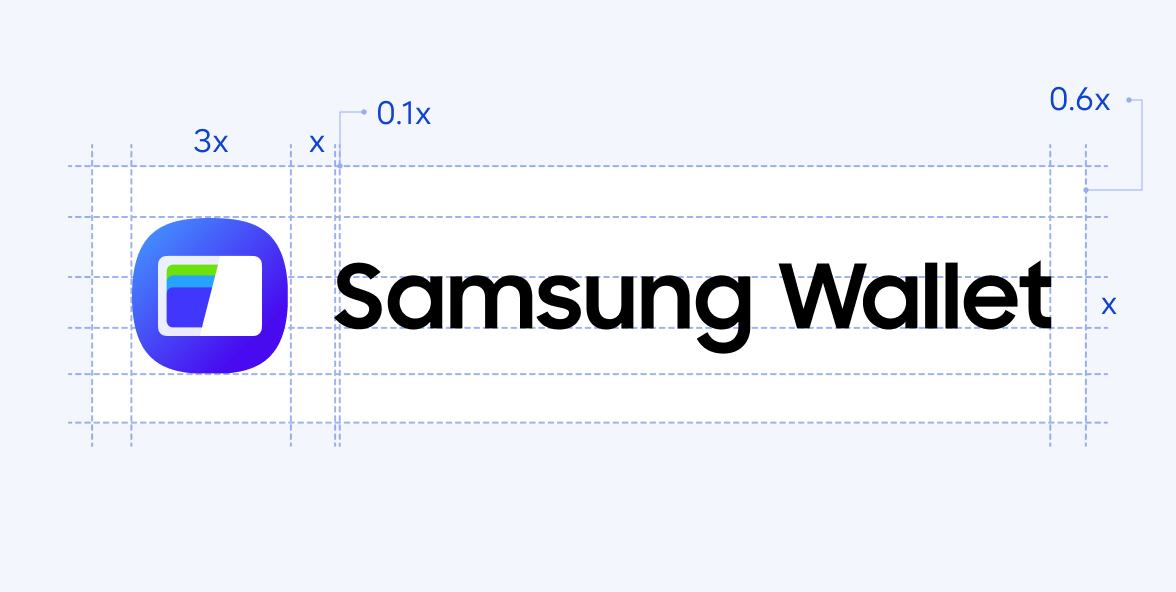
Ratio & Alignment
Buttons

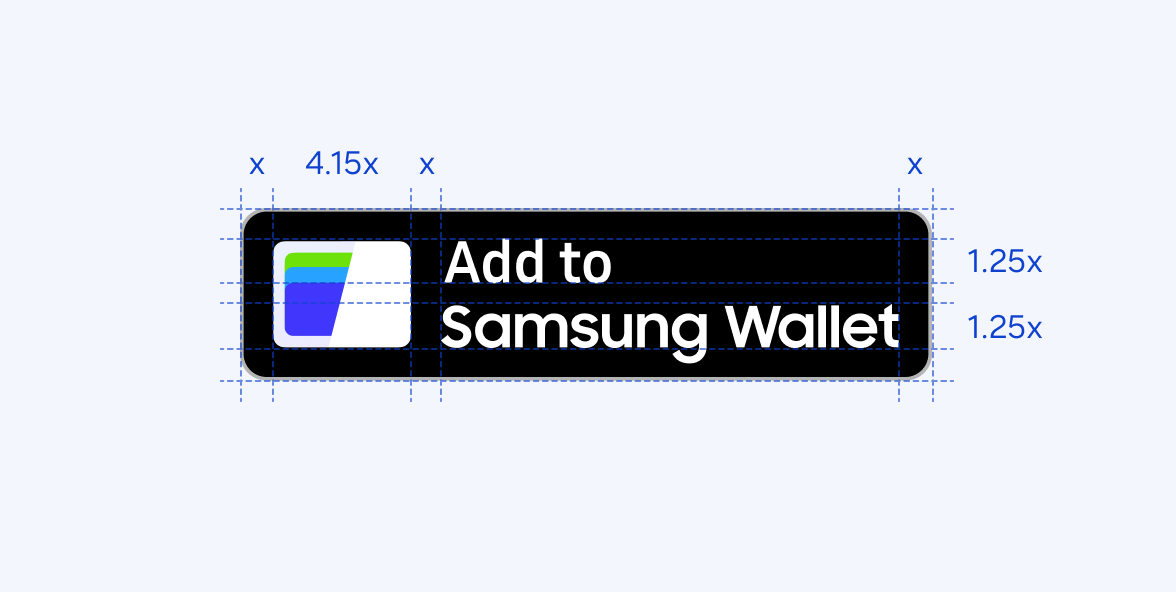
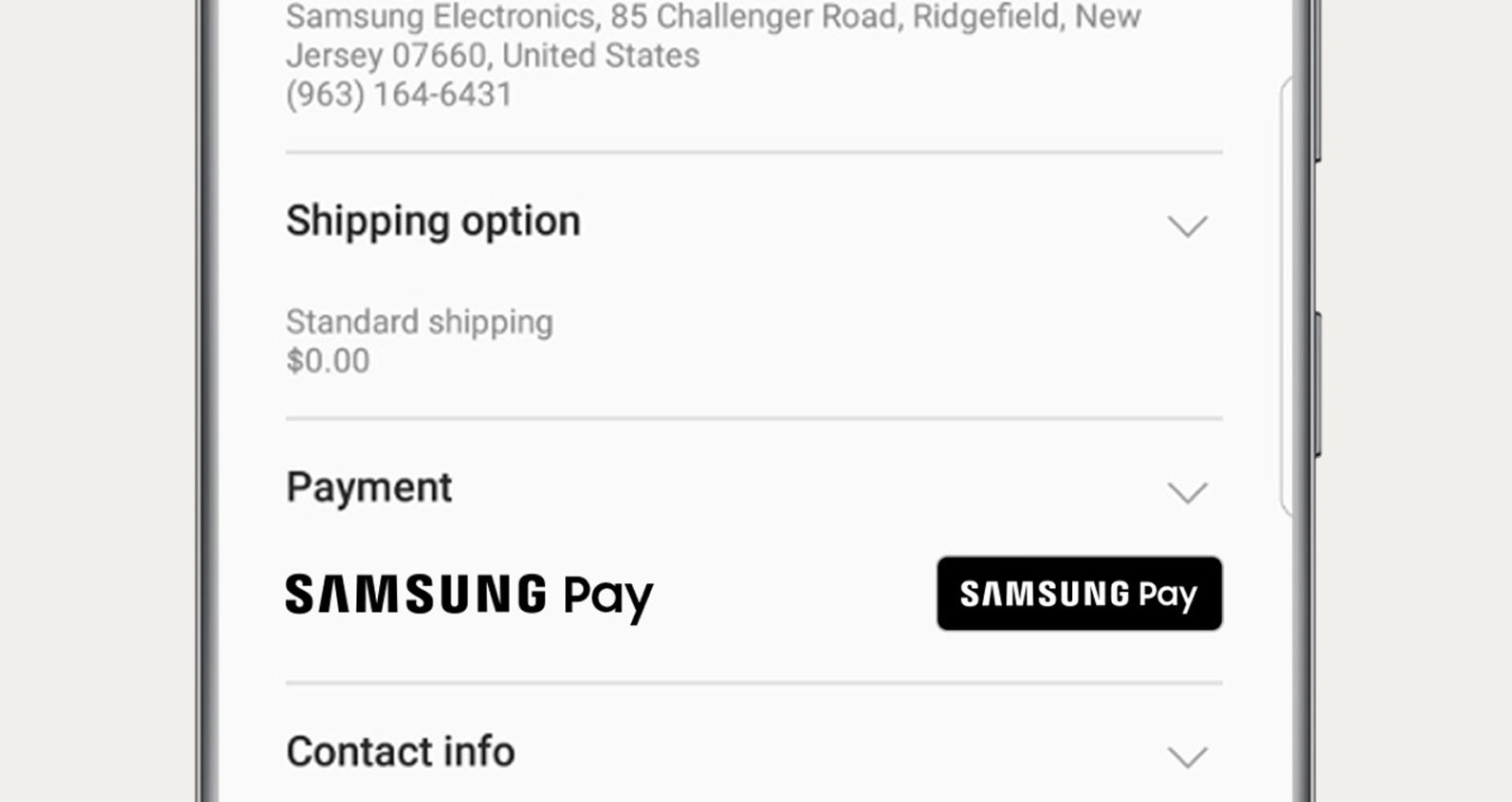
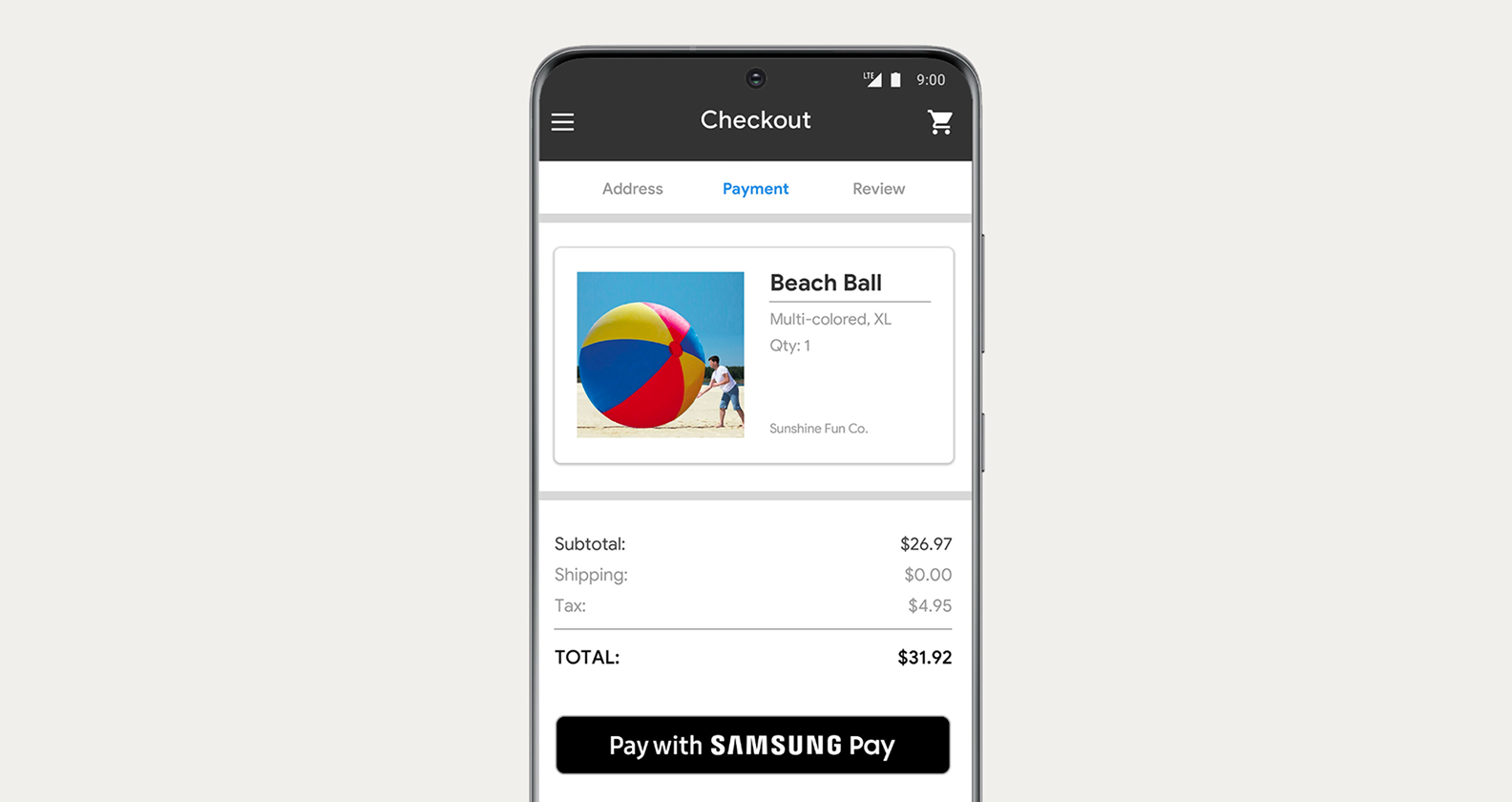
The Samsung Wallet buttons are for adding or registering tickets and travel passes to the app.

Type

  • In-app & online - Horizontal

  • In-app & online - Vertical

  • CTA - Horizontal

  • CTA - Vertical

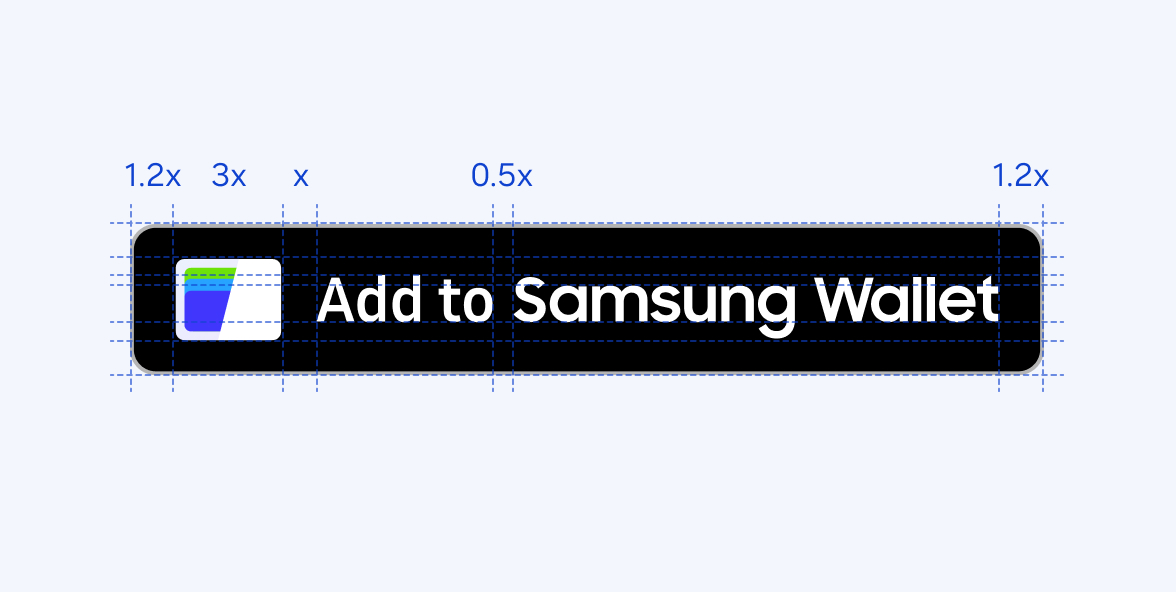
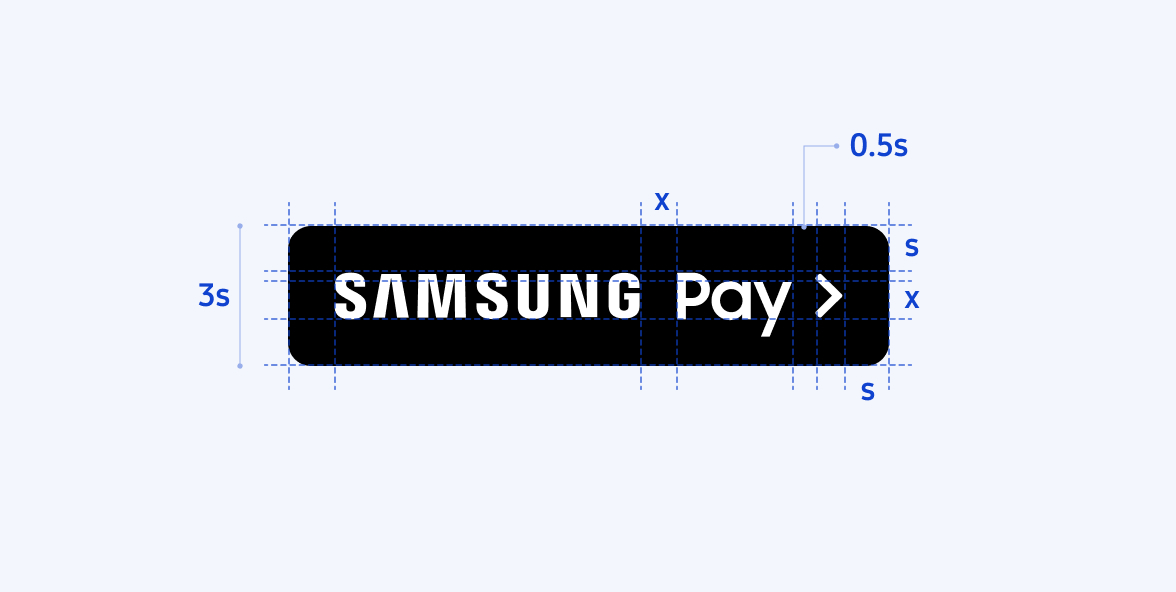
Ratio & Alignment

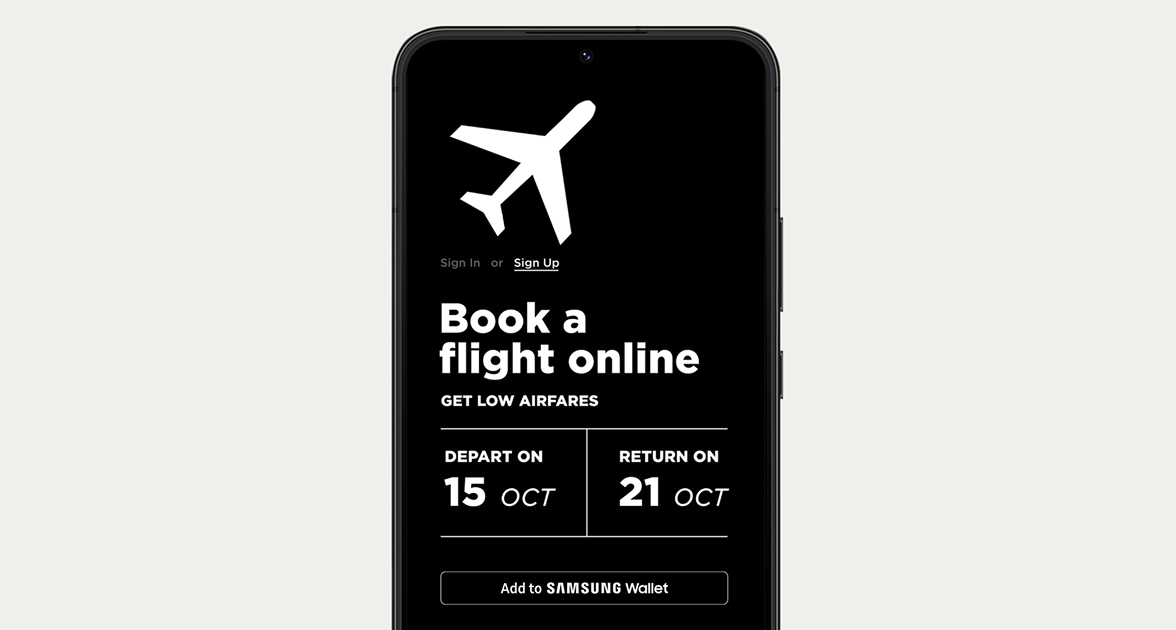
Usage example
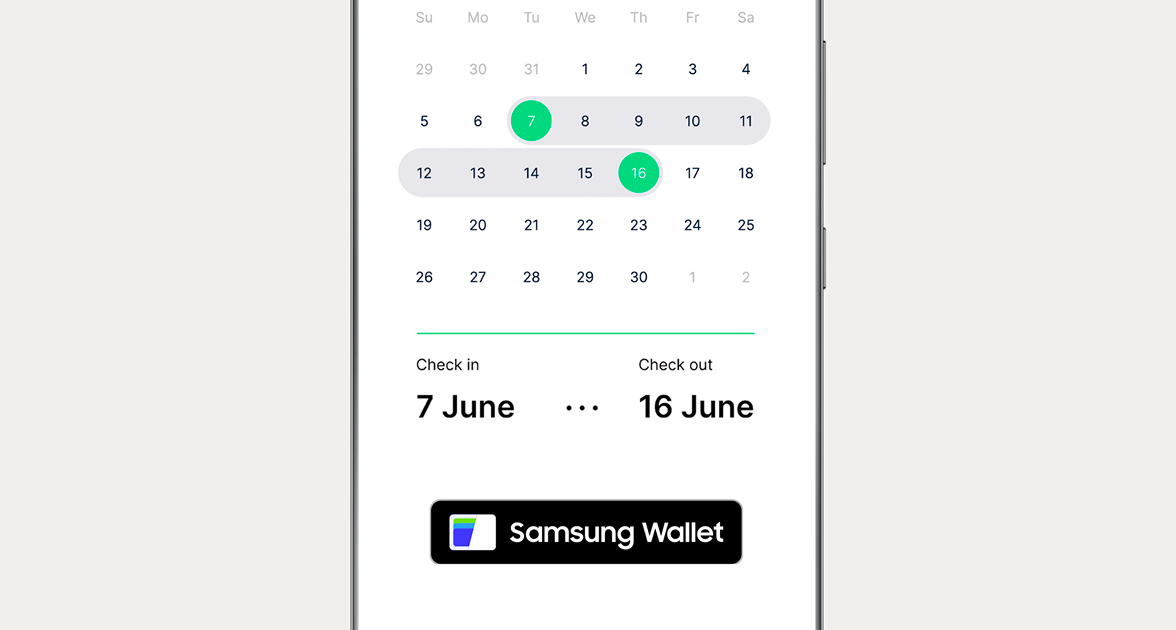
Partnership

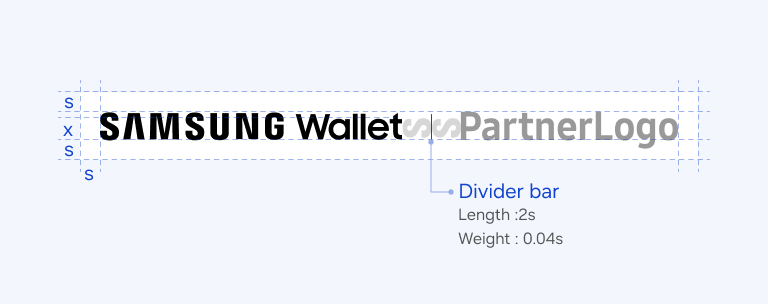
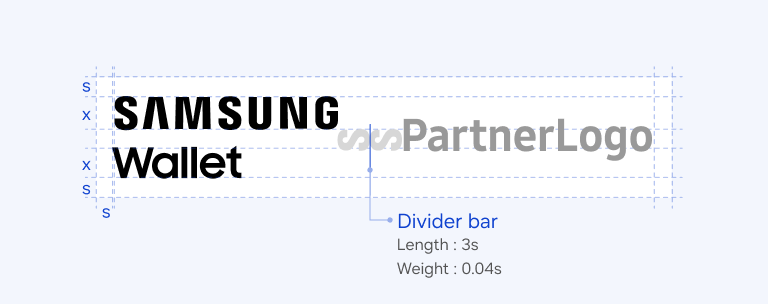
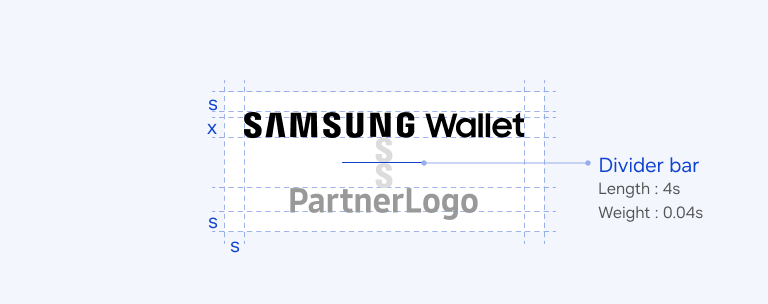
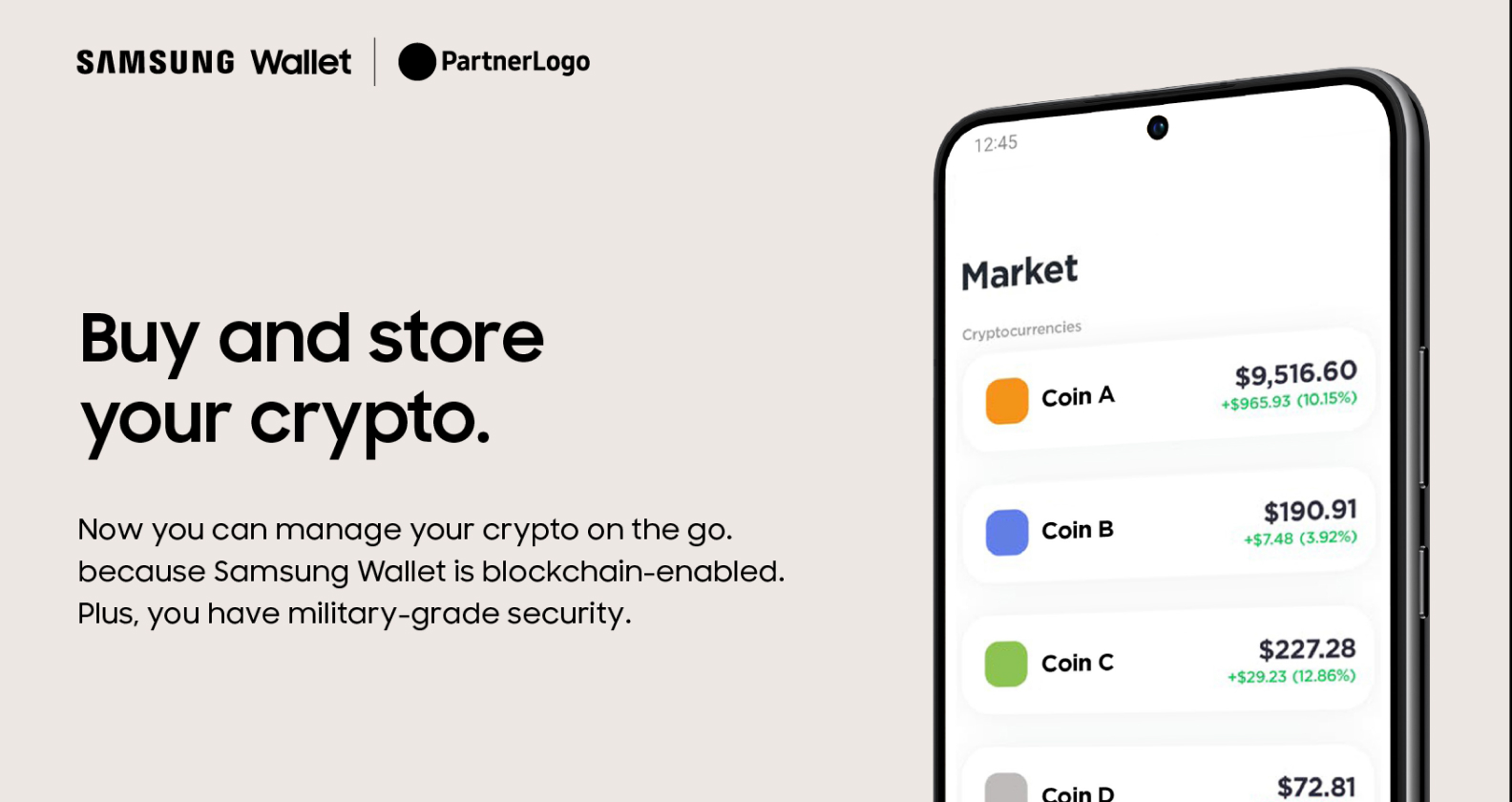
For partnerships, the horizontal logo lock-up is the preferred choice.
※ Before using a partnership logo, please confirm with your local Samsung partnership representative to ensure the appropriate format.

Type

  • Horizontal

  • Vertical

Lock-up format

Usage example

OOH

Horizontal lock-up
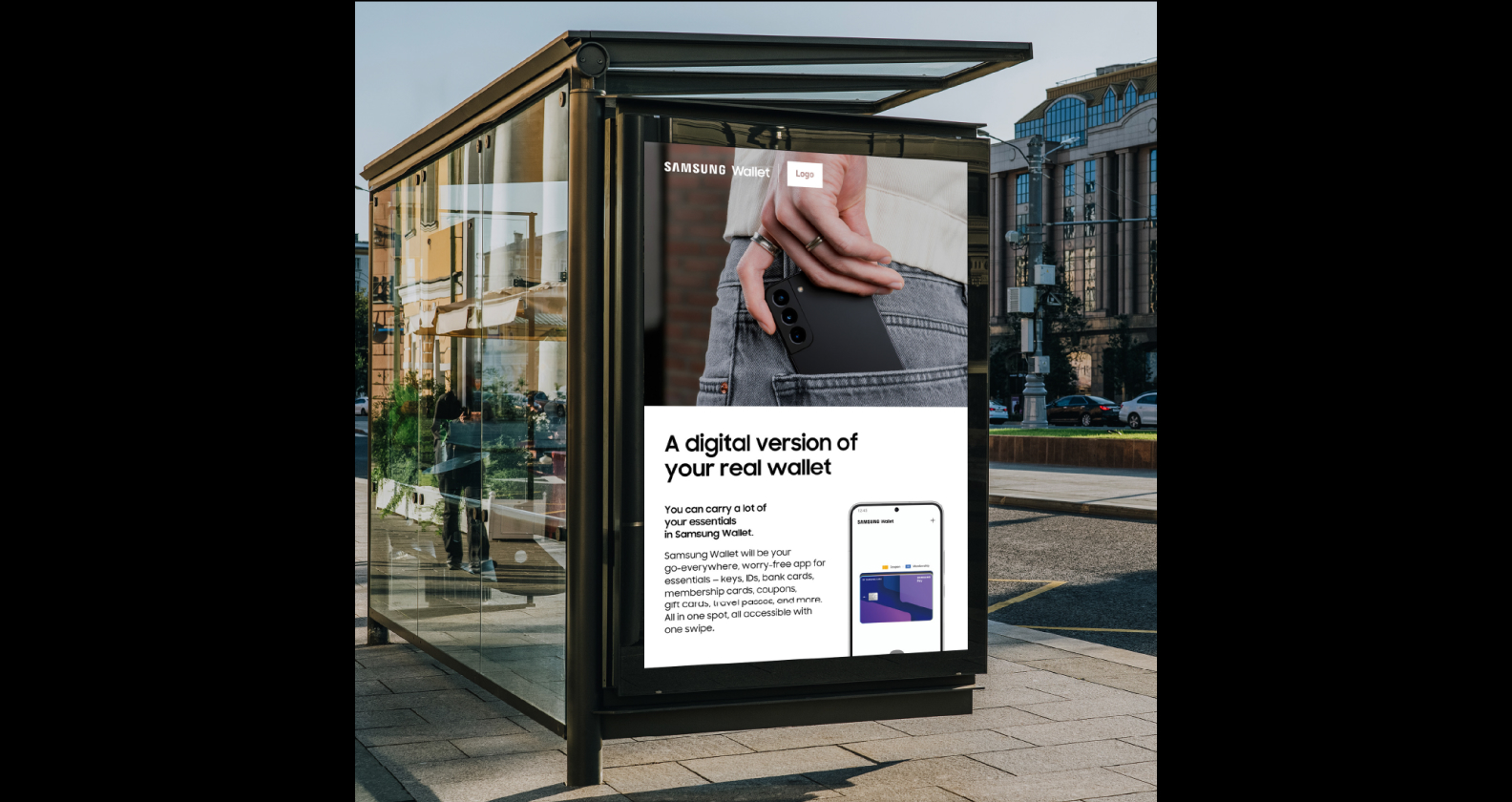
OOH

Horizontal lock-up
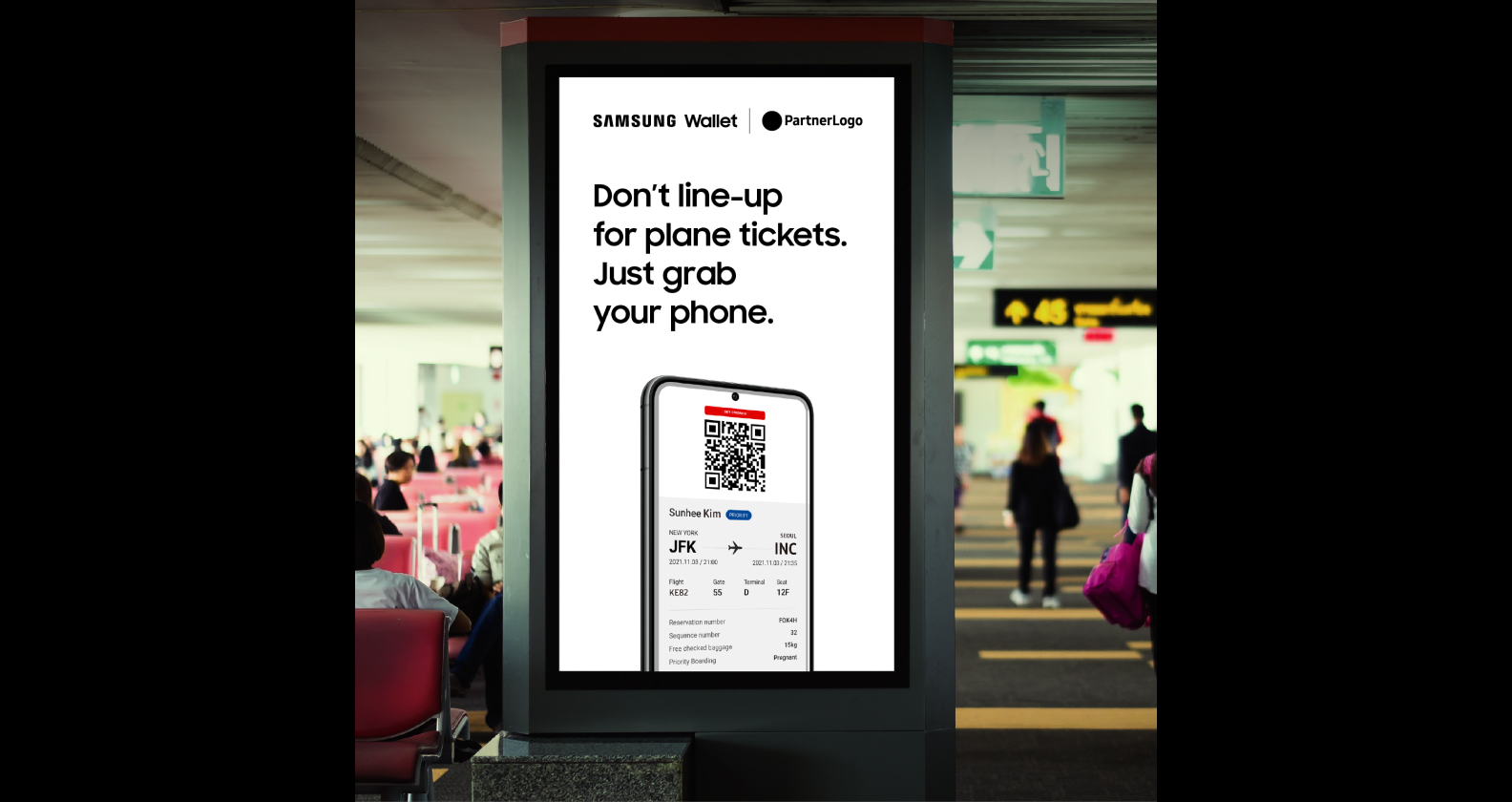
Common usage

Vertical lock-up
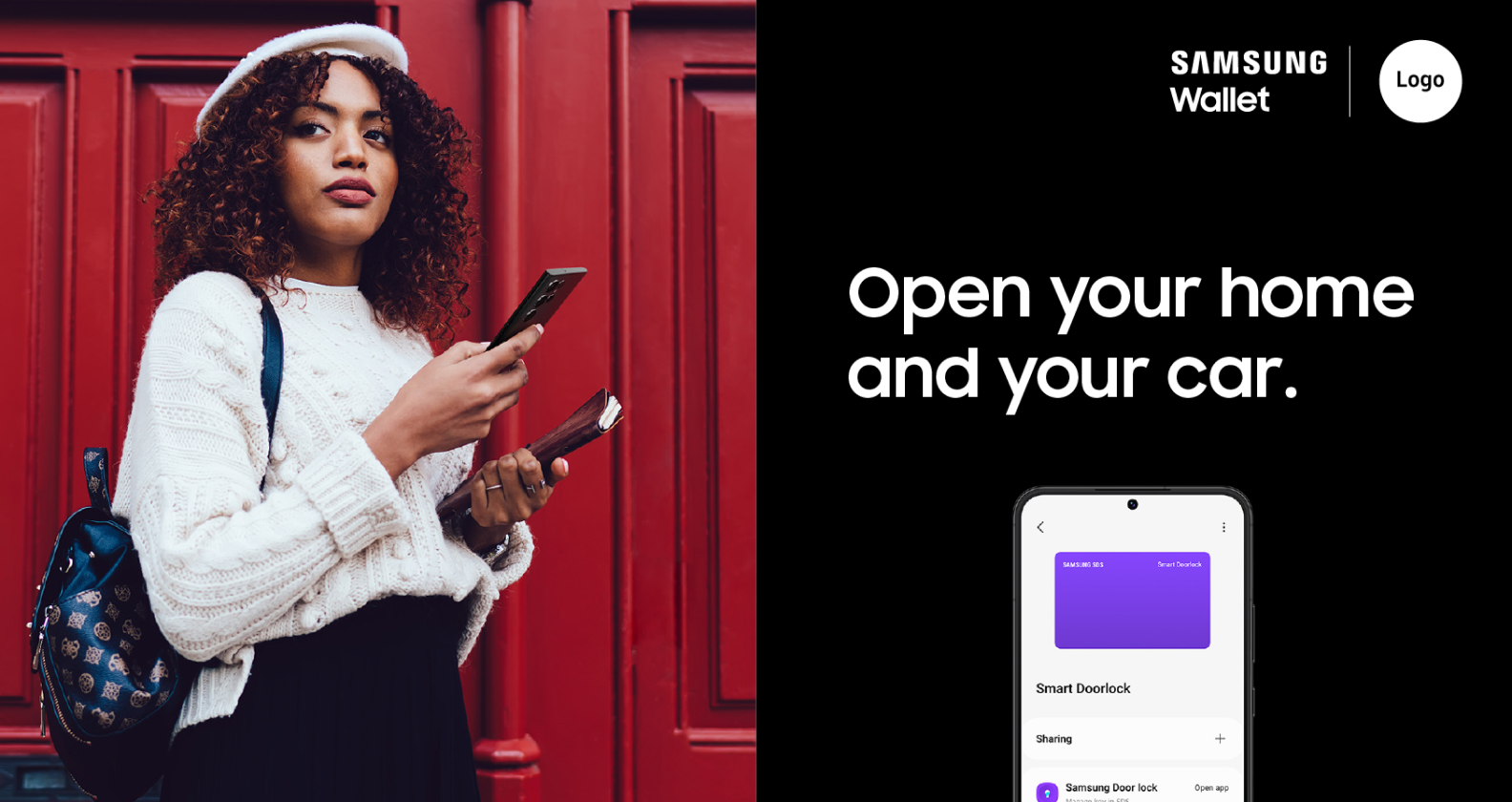
Common usage

Horizontal lock-up

Introduction

Samsung Pay is a mobile payment service that can be used wherever credit cards are swiped or tapped. Samsung Pay provides a new mobile payment experience through innovation. When people see our brand at every touchpoint, it reinforces our identity and what we do. It must be presented consistently and reliably to our target audience.

Assets for
Samsung Pay

We encourage you to learn and follow the rules and guidelines suggested in this toolkit to ensure message consistency and drive brand awareness.

Logo

Buttons

Logo

Use the service logo lock-up for advertisements, marketing materials and webpages that are promoting Samsung Pay. You must not lock up an icon with the lettermark.
Type

  • Horizontal

  • Vertical

Ratio & Alignment

Buttons

The Samsung Wallet buttons are for adding or registering tickets and travel passes to the app.

Type

  • In-app & online

  • CTA

  • Partner

Ratio & Alignment

Usage Example

In-app & online button

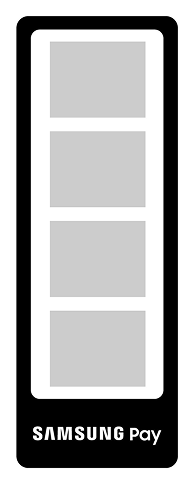
A vertical type decal on the entrance

CTA button

A vertical type decal on the entrance

Introduction

For stronger presence in-store, we will actively leverage Samsung Pay, which is more intuitive & relevant for transaction-heavy retail. By offering attractive value and benefits, we encourage merchants to utilize our creative assets.

Assets for Samsung Pay
stickers

We encourage you to learn and follow the rules and guidelines suggested in this toolkit to ensure message consistency and drive brand awareness.

Vertical type

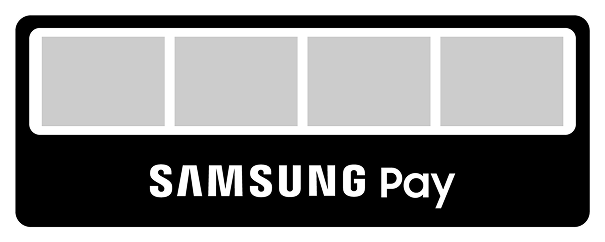
Horizontal type

Vertical type

Horizontal type

Vertical type

Horizontal type

Usage example

For general retail stores

Entry decals

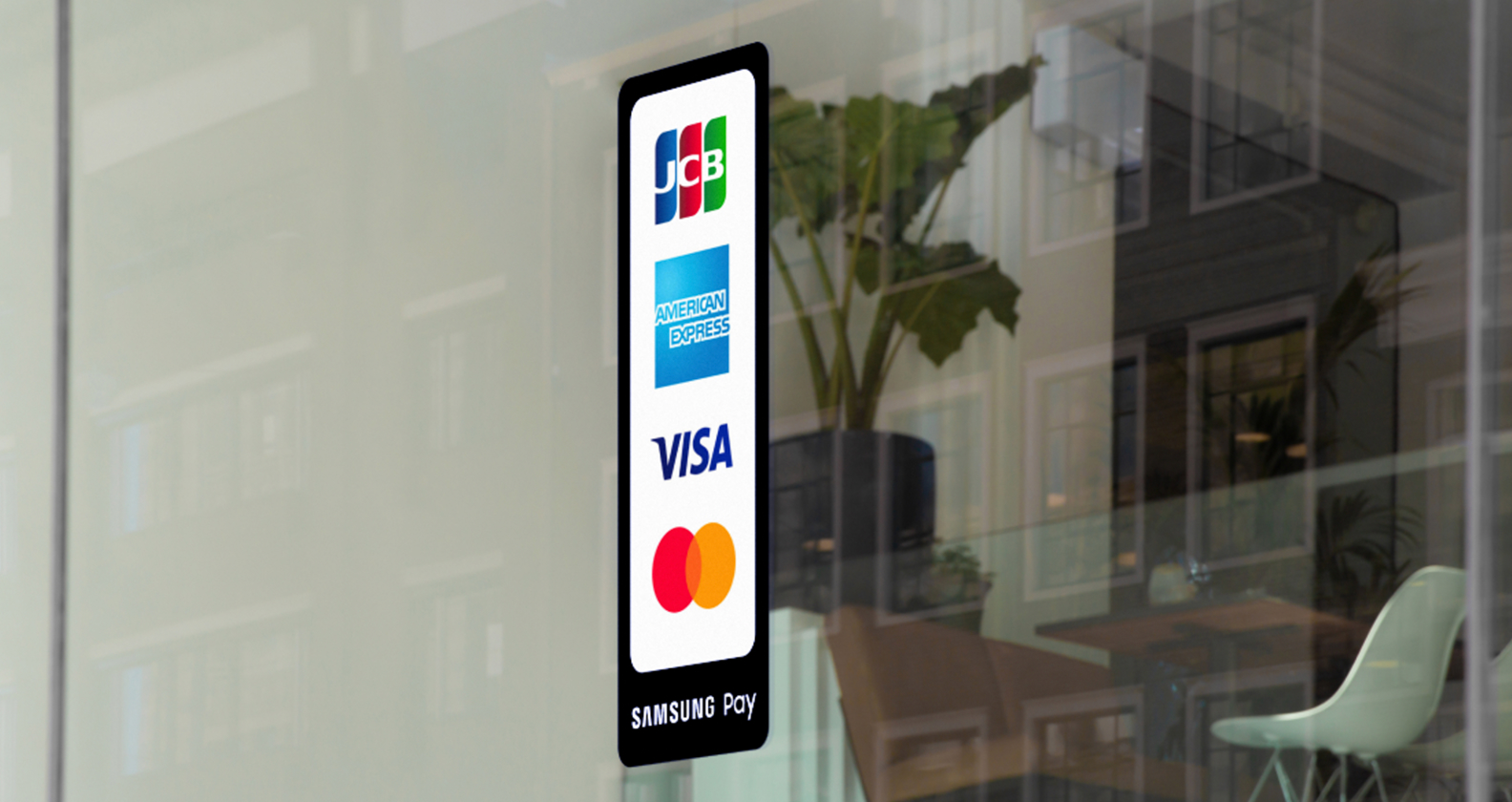
A vertical type decal on the entrance

Entry decals

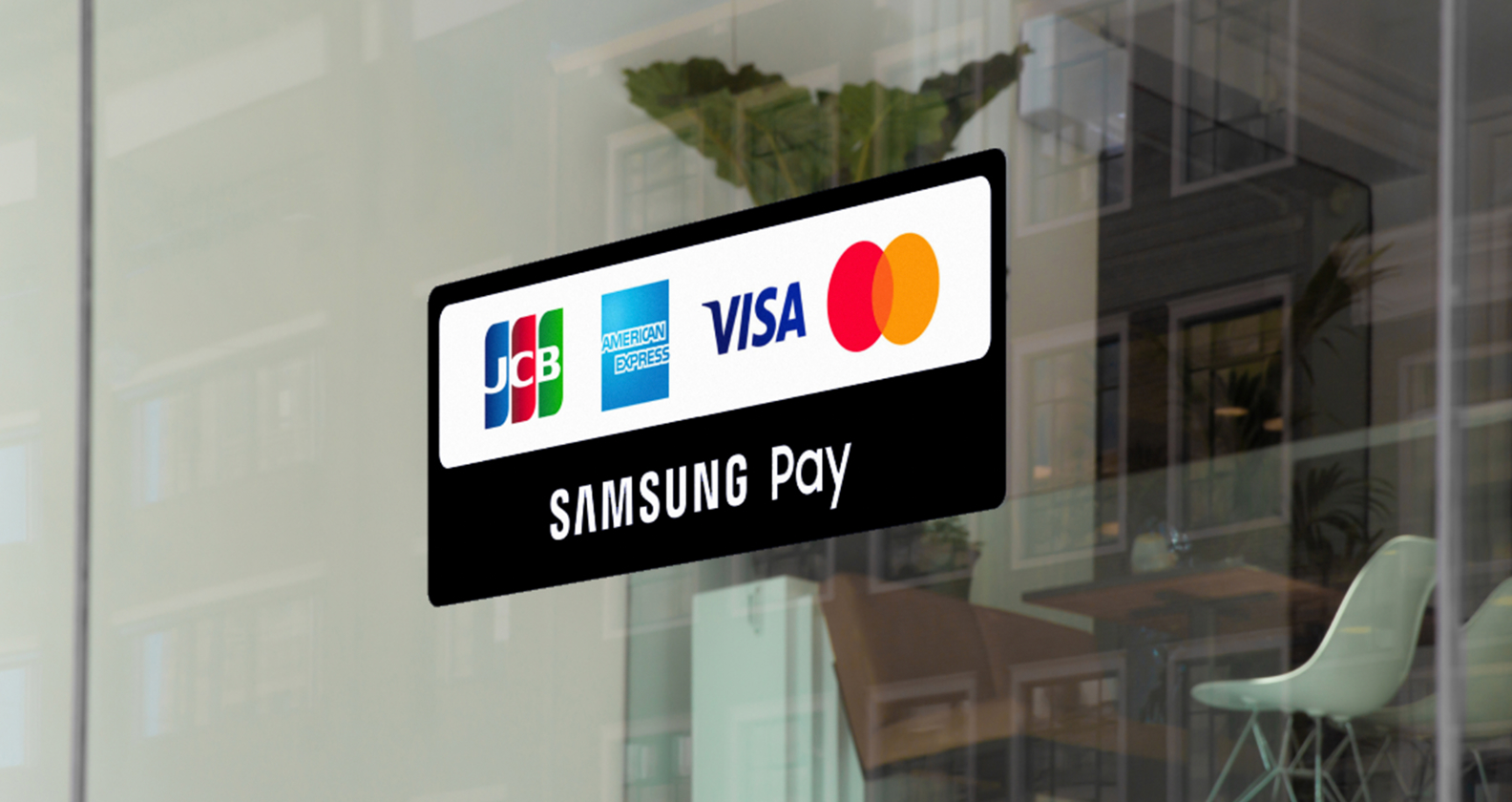
A horizontal type decal on the entrance

Checkout kiosk

For SES / Partnership stores

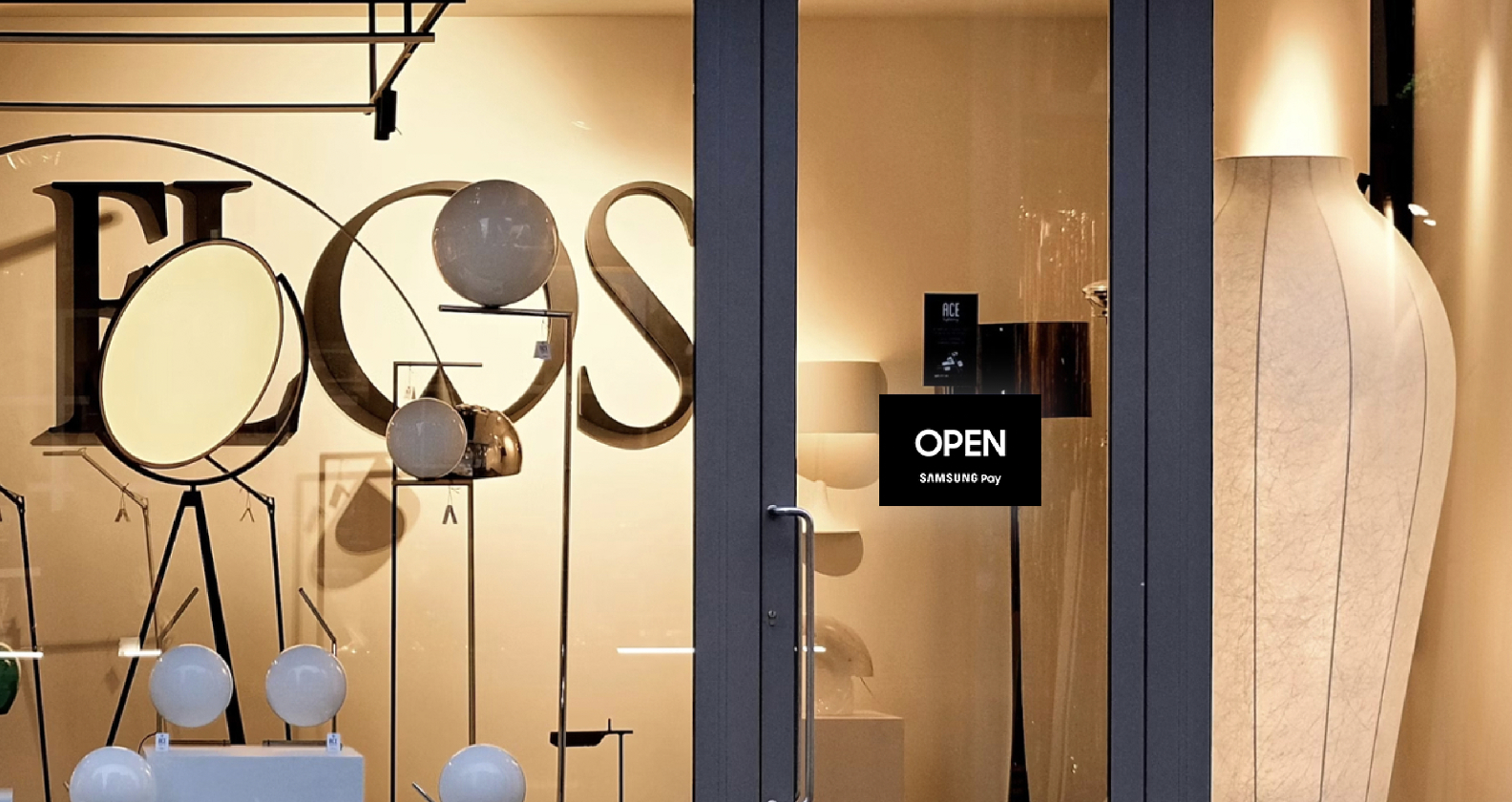
OPEN/CLOSED

An OPEN signage on the entrance

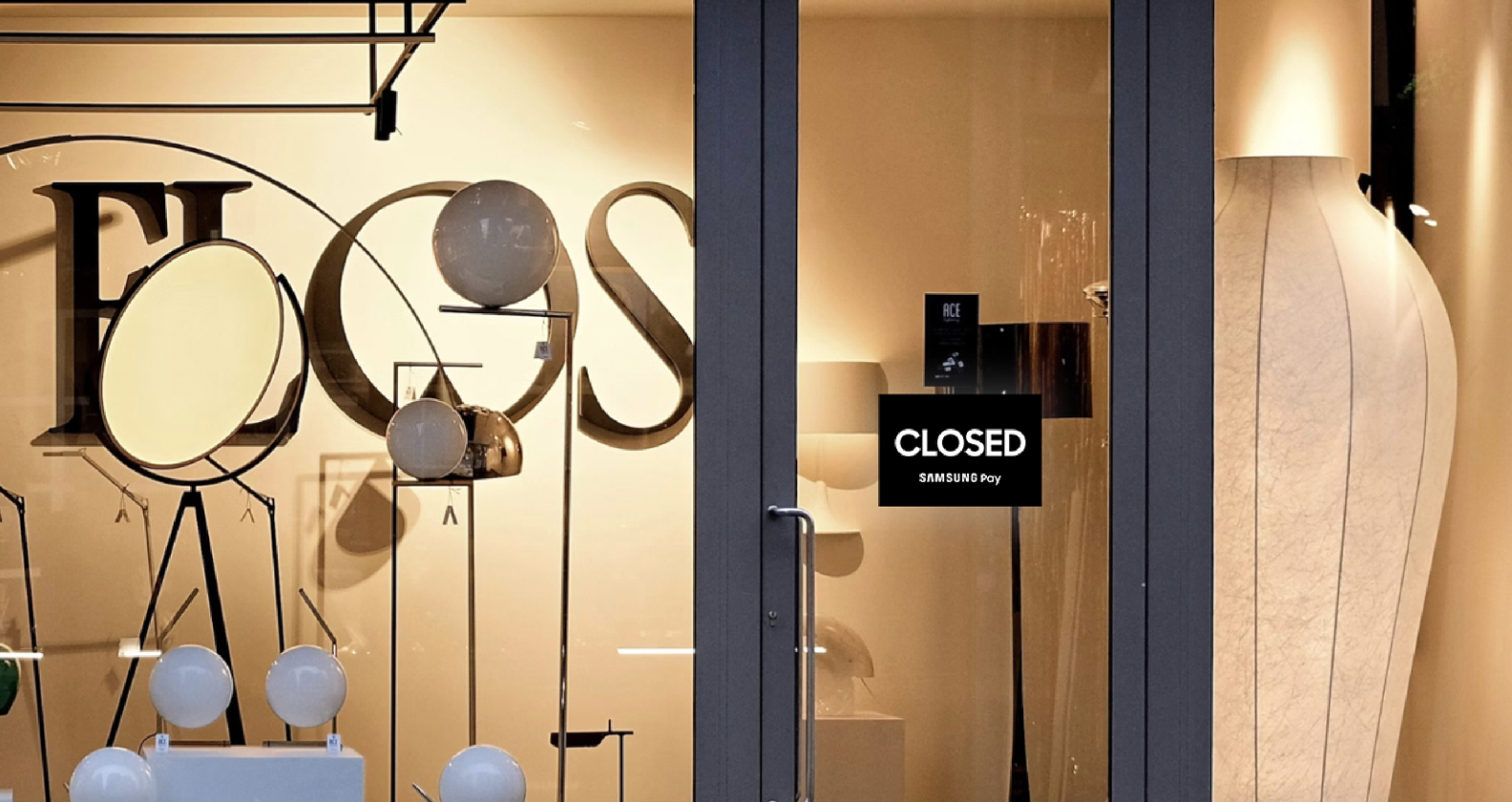
OPEN/CLOSED

An CLOSED signage on the entrance

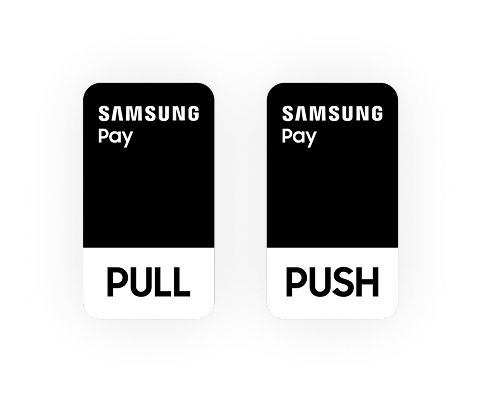
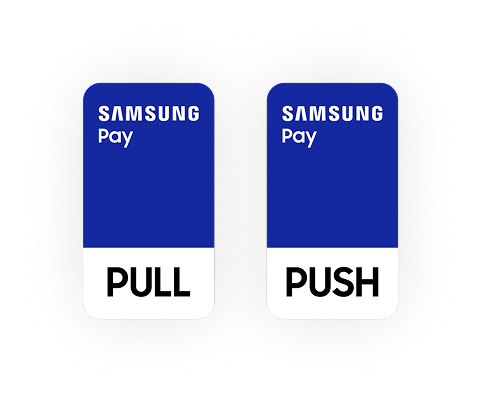
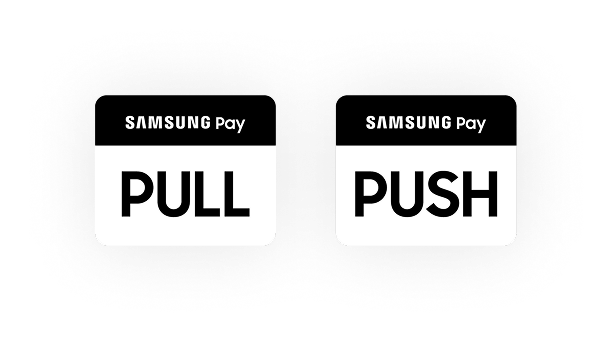
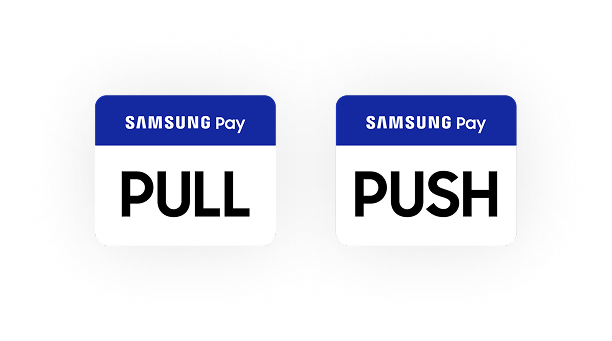
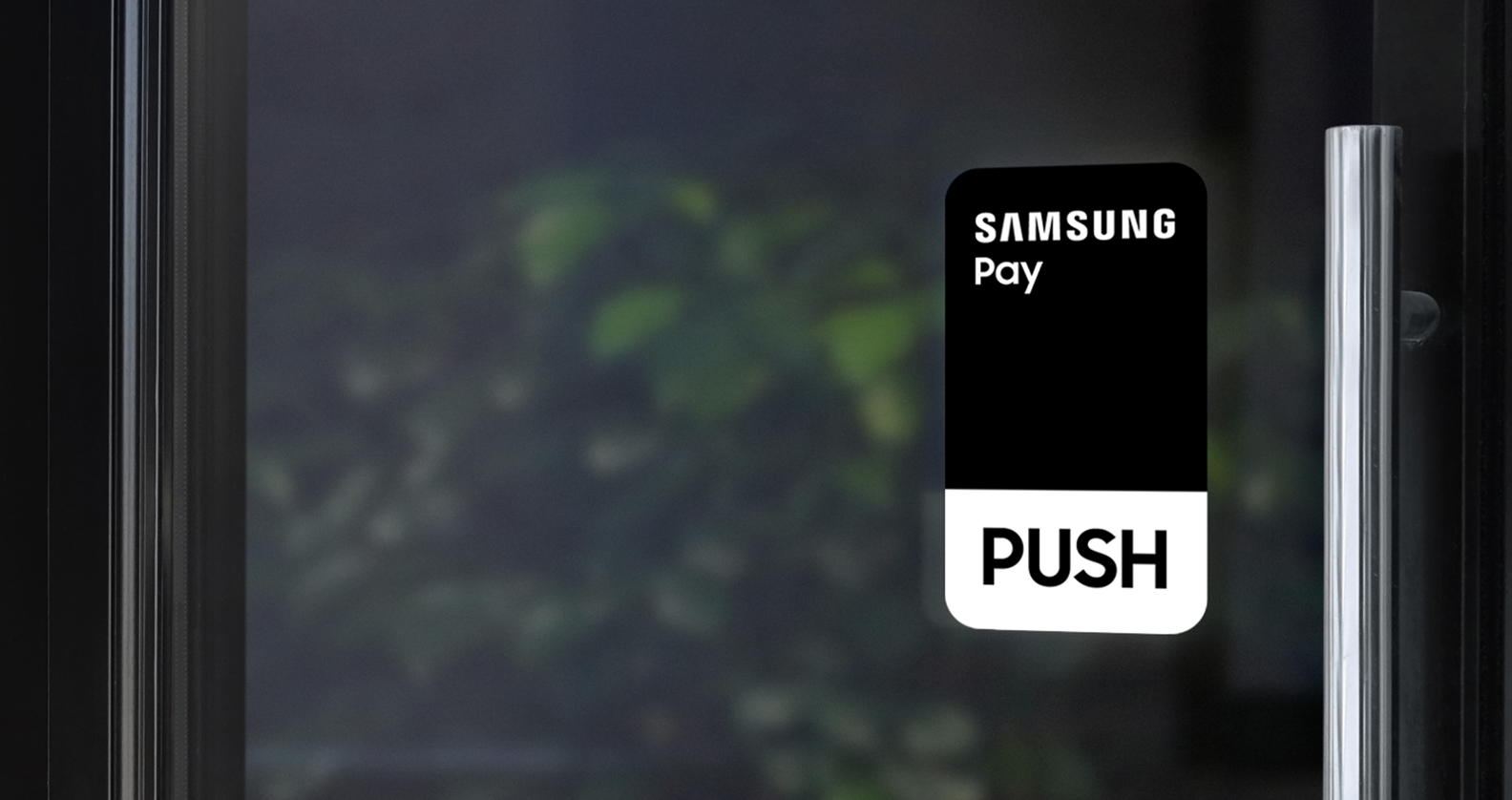
PUSH/PULL

A vertical PUSH signage on the entrance

PUSH/PULL

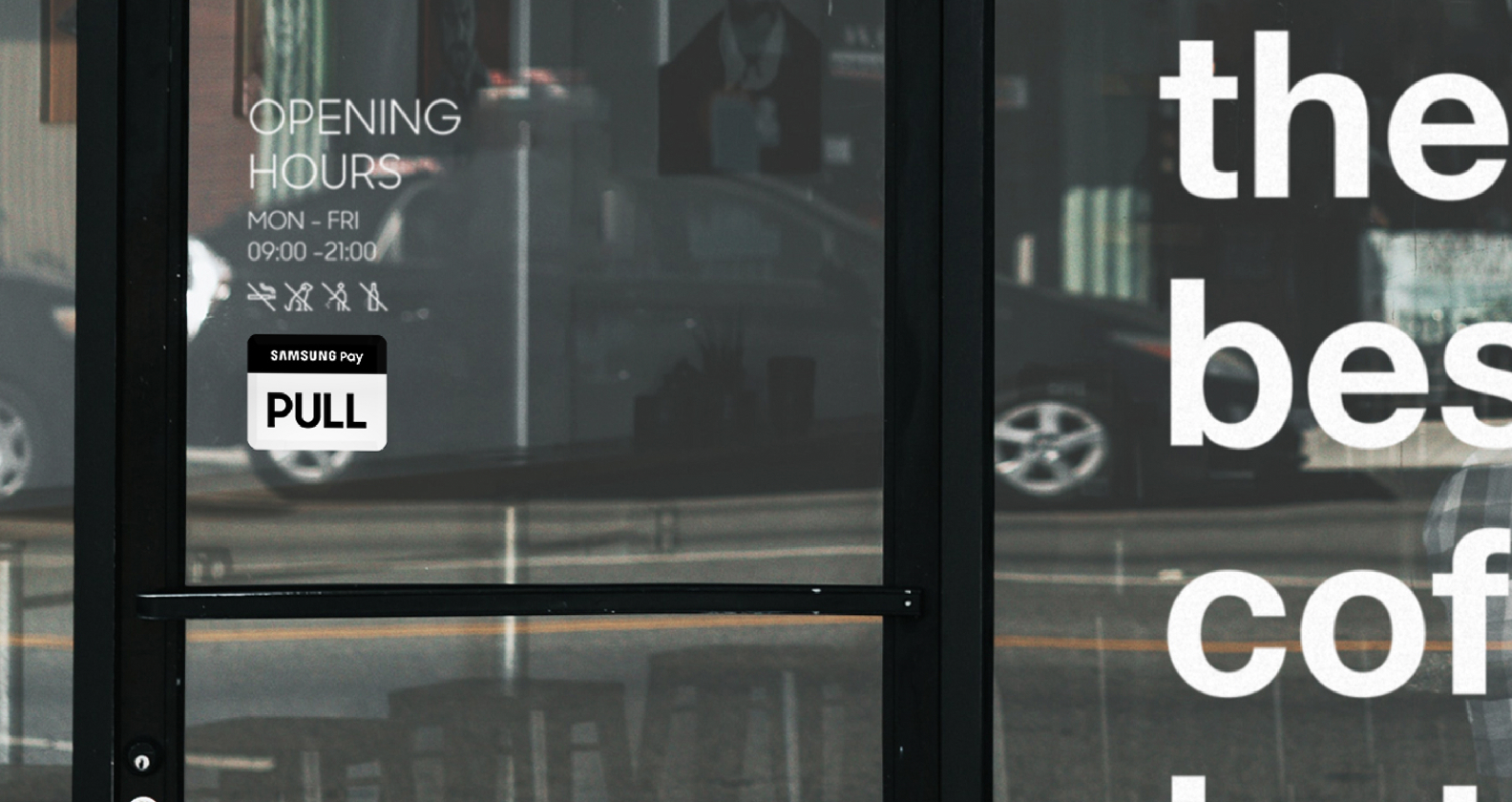
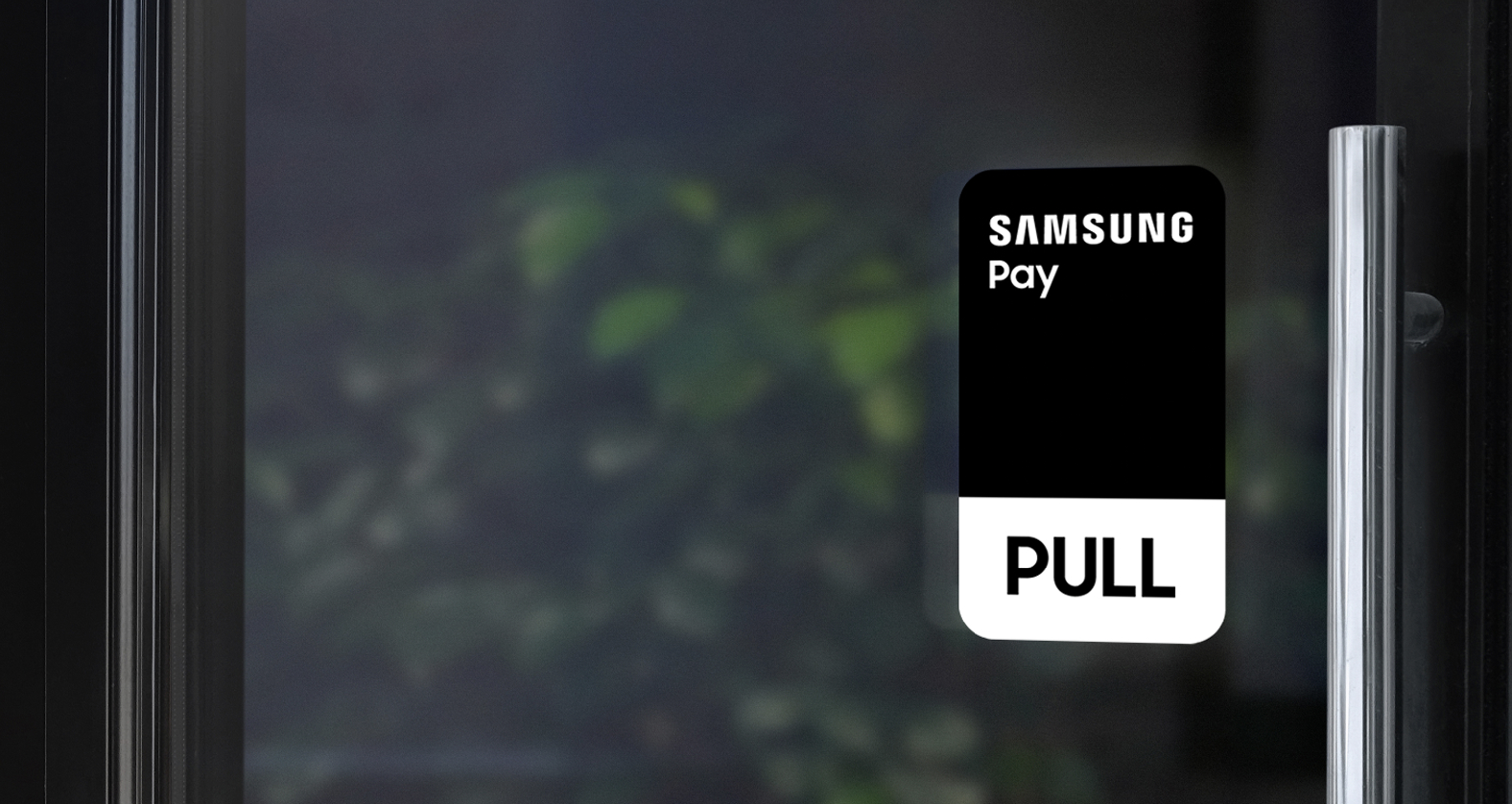
A vertical PULL signage on the entrance

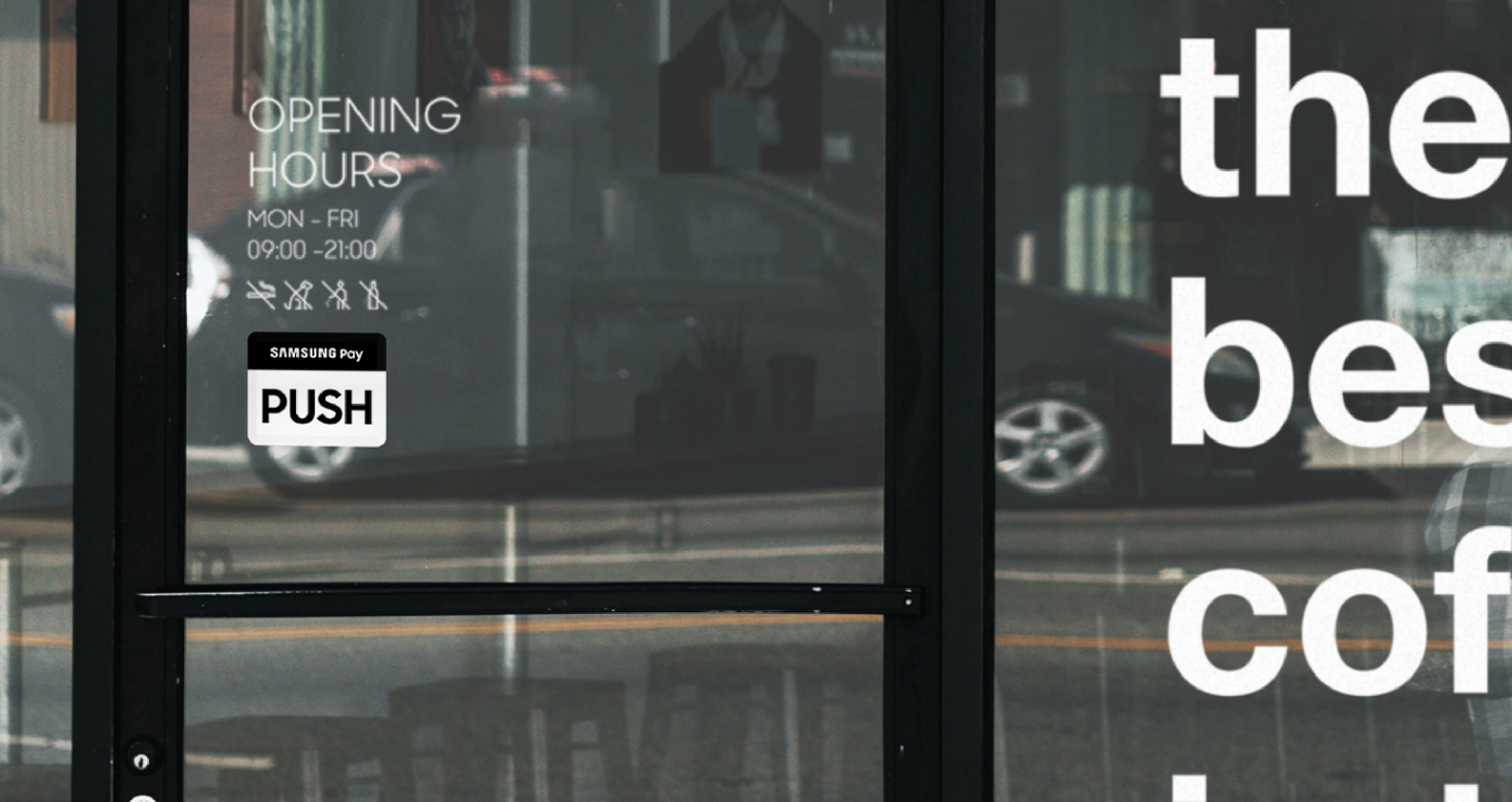
PUSH/PULL

A horizontal PUSH signage on the entrance

PUSH/PULL

A horizontal PULL signage on the entrance

For Additional assets

We accept decals

A horizontal pull signage on the entrance

We accept decals

A horizontal pull signage on the entrance

Preferences Submitted

You have successfully updated your cookie preferences.