Samsung Wallet Launches Hotel Key with EntryReady
Samsung Developer
From booking to checkout, your Galaxy smartphone now keeps your hotel stay in one place—including the key to your room
After a long day of travel, the last thing anyone wants is another line at the front desk or a plastic key card that stops working halfway through the stay. With Samsung Wallet, your Galaxy smartphone can now be your room key.
Samsung is introducing Hotel Key in Samsung Wallet, in collaboration with EntryReady, a hospitality access-control provider that delivers smart locks, mobile key technology, and cloud-based access management for hotels. Starting in November 2026, guests at participating hotels in the United States can add their reservation to Samsung Wallet, receive their room key automatically at check-in, and open their door with a tap of their Galaxy smartphone.
Your Whole Stay, in Samsung Wallet
Hotel Key follows the guest through every stage of the stay, so there is no need to switch between emails, apps, and plastic cards.
Book: Add Your Reservation. After booking, add your reservation card to Samsung Wallet to keep your stay details in one place, ready whenever you need them.
Check In: Your Key Arrives Automatically. Once you check in, your Hotel Key is issued to Samsung Wallet automatically. Your room information is shown right on the card, so you know exactly where you are headed.
Stay: Tap to Open. Hold your Galaxy smartphone near your room’s door lock to open it via NFC. No card to carry, and nothing to lose in your bag.
Check Out: The Key Goes, the Memories Stay. When you check out, the key is removed from Samsung Wallet automatically. Your stay history remains, so you can keep the card as a record of your visit.
Book. Check in. Tap. Check out. All in Samsung Wallet.
Add Your Hotel Key, Your Way
Hotel Key supports web provisioning, so guests can add it to Samsung Wallet directly from a link or code provided by the hotel:
-
Email. Tap the Add to Samsung Wallet link in the email from your hotel.
-
Text message (MMS). Tap the link in the message sent to your phone.
-
QR code. Scan the QR code provided by the hotel with your Galaxy smartphone.
Whichever route you choose, just tap Add to Samsung Wallet and follow the on-screen steps.
Built on MIFARE Technology
Hotel Key is built on MIFARE, NXP’s contactless technology used widely in hotel door locks. Combined with Samsung Wallet’s optimized NFC experience on compatible Galaxy devices, guests get a fast, familiar tap at the door.
Because each key is issued at check-in and removed automatically at checkout, access stays tied to the guest’s actual stay, giving both guests and hotels added peace of mind.
Organize Your Journey with Trips
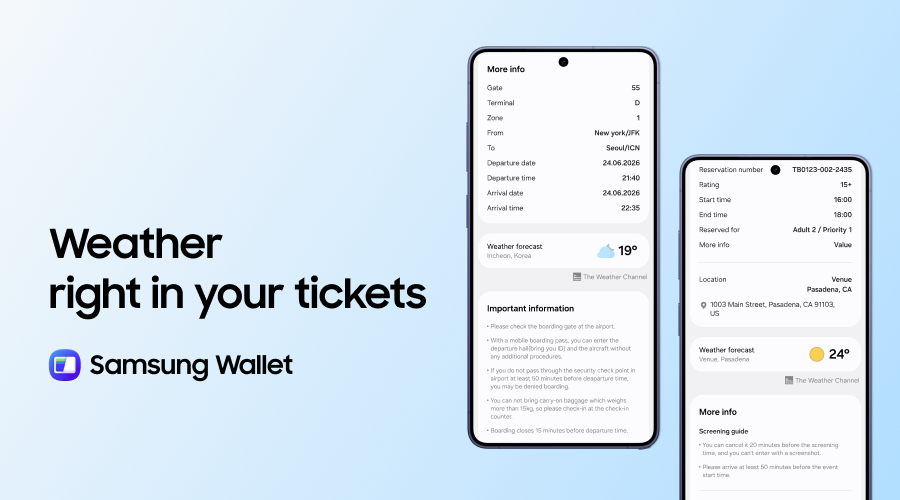
Your hotel stay is rarely the only part of a trip. With Trips in Samsung Wallet, your reservation card and Hotel Key can be grouped with other travel items in your Wallet, such as boarding passes, car rentals, and activities, into a single Trips timeline.
Samsung Wallet can also suggest creating a new trip or adding items to an existing one, so your whole journey is easy to follow at a glance.
From the flight to the front door, your trip comes together in Samsung Wallet.
For Hotels and Partners
Hotels that use EntryReady can contact EntryReady to learn how to offer Hotel Key in Samsung Wallet to their guests.
Hotel content added to Samsung Wallet can also appear in Trips without any additional development, extending the value of an existing Samsung Wallet integration into the guest’s wider travel experience. Partners interested in working with Samsung Wallet can find more information through the resources below.
Availability
Samsung Wallet Hotel Key is available starting in November 2026 at participating hotels in the United States through Samsung’s collaboration with EntryReady. Feature availability may vary by Galaxy device, software version, hotel, and door lock system.
Learn More
- Samsung Wallet Introduces Trips | Samsung Developer
- Partner with Samsung Wallet
- Add to Wallet Process Overview